
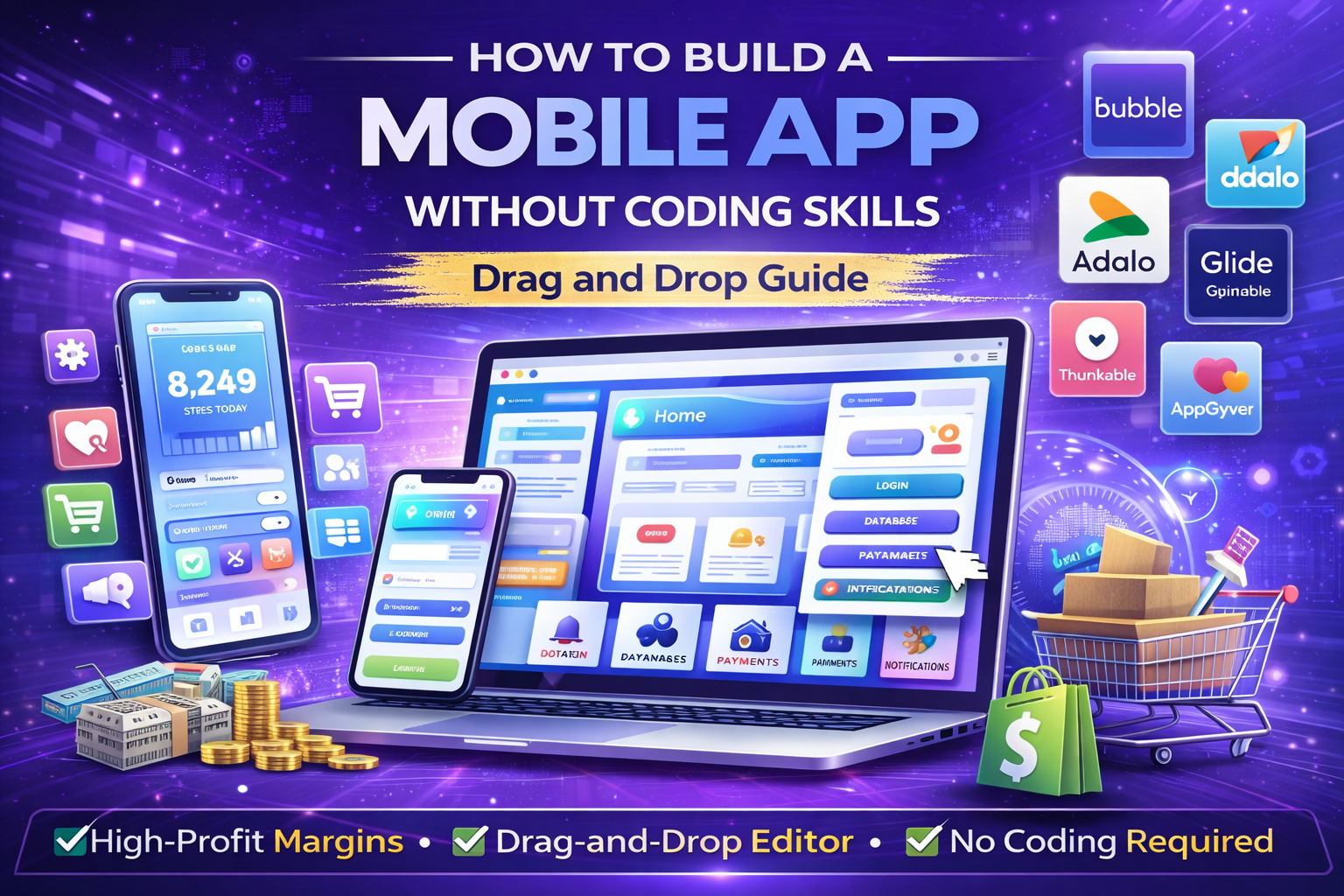
How to Build a Mobile App Without Coding Skills – Drag and Drop Guide
How to build a mobile app without coding skills is a question millions of entrepreneurs, creators, small business owners, and hobbyists ask every year.
The good news? In today’s world, it’s entirely possible to create a fully functional iOS or Android app with no coding knowledge, thanks to drag-and-drop no-code/low-code platforms. These tools let you visually design apps, add features like user login, databases, payments, and notifications — all without writing a single line of code.
Whether you want to build a simple app for your business (e.g., booking system), a personal project (e.g., fitness tracker), or even a monetizable tool (e.g., e-commerce marketplace), this step-by-step guide covers everything.
You’ll learn:
- What no-code app building really means
- Best drag-and-drop tools (free & paid) with comparisons
- Step-by-step process to build your first app
- How to add advanced features without code
- iOS vs Android considerations
- Testing, launching & publishing to app stores
- Monetization ideas & scaling tips
- Common mistakes & troubleshooting
- Real case studies & success stories
By the end, you’ll have the knowledge to build a mobile app without coding — even if you’re a complete beginner. Let’s get started.
What Is No-Code App Building & Why It Works Without Coding Skills
No-code app building uses visual interfaces (drag and drop) to create apps instead of traditional coding. Platforms provide pre-built blocks for UI elements (buttons, forms, lists), logic (if-then conditions), and integrations (databases, APIs, payments).
Why it’s perfect for non-coders:
- Drag and drop editors feel like Canva or PowerPoint
- No need to learn languages like Swift, Kotlin, Java, or React Native
- Built-in templates speed up design
- Automatic handling of backend (servers, databases)
Pros of no-code app building:
- Faster development (days/weeks vs months)
- Lower cost ($0–$100/mo vs $10,000+ for developers)
- Easy updates & iterations
- Access to advanced features (AI, push notifications) without code
Cons:
- Less customization for very complex apps
- Platform lock-in (hard to migrate later)
- Subscription fees for premium features
Who should use no-code:
- Beginners learning how to build a mobile app with drag and drop
- Small businesses needing simple apps (e.g., loyalty programs)
- Creators testing ideas quickly
- Anyone asking “how to create a mobile app with no coding skills”
If your app needs ultra-custom features (e.g., advanced AR), hire developers later — but 80%+ of apps can start no-code.
Best Drag and Drop Tools to Build a Mobile App Without Coding
Here are the top no-code platforms for how to build a mobile app with no coding skills — compared for ease, features, pricing & best use.
| Tool | Starting Price | Best For | Key Features (Drag & Drop) | iOS/Android Support | Limitations |
|---|---|---|---|---|---|
| Bubble | $0 (free tier) – $29/mo | Complex apps, databases | Full visual editor, workflows, APIs | Native export (extra) | Steep learning curve |
| Adalo | $0 (free) – $36/mo | Simple mobile-first apps | Drag/drop UI, user auth, databases | Native iOS/Android | Limited free builds |
| Glide | $0 (free) – $25/mo | Apps from spreadsheets | Google Sheets integration, templates | PWA + native | Tied to data sources |
| AppGyver | $0 forever (open-source) | Advanced logic without code | Visual composer, integrations | Native iOS/Android | Community support only |
| Thunkable | $0 (free) – $45/mo | AI/ML features | Drag/drop, live testing, APIs | Native + web | Pro features paid |
| Draftbit | $0 (free) – $29/mo | Custom UI designs | Component library, real-time collab | Native iOS/Android | Export paid |
| Bravo Studio | $0 (free) – $21/mo | Convert Figma to apps | Figma import, no-code logic | Native | Design-focused |
| MIT App Inventor | $0 forever | Beginners & education | Block-based drag/drop | Android only | Basic features |
Free starters: Begin with AppGyver or MIT App Inventor for zero cost. Upgrade as needed.
Step-by-Step Process: How to Build a Mobile App Without Coding
Follow this guide to create your first app using Adalo (free tier available) — but steps apply to most platforms.
Step 1: Define Your App Idea & Goals
- What problem does it solve? (e.g., fitness tracker, booking app)
- Who is your user? (age, needs, platform – iOS/Android)
- Core features: 3–5 max to start (e.g., login, dashboard, notifications)
Tip: Use free tools like Notion or Canva to sketch wireframes.
Step 2: Sign Up & Choose a Template
- Sign up for Adalo / Bubble free
- Select template (e.g., “Task Manager” or “Ecommerce”)
- Customize colors, logo (free Canva)
Step 3: Build the UI with Drag and Drop
- Drag elements: Buttons, text, images, forms
- Add screens: Home, profile, settings
- Use responsive design (auto-adjusts for mobile)
Example: For a recipe app, drag a list component → link to database of recipes.
Step 4: Add Logic & Features Without Code
- Visual workflows: “If user clicks button → go to screen X”
- Integrations: Connect Google Sheets (free database), Stripe (payments), Firebase (auth)
- Advanced: Add maps (Google Maps API free tier), notifications (OneSignal free)
No-code feature ideas:
- User login/signup
- Database (add/edit items)
- Payments (Stripe free setup)
- Chat (Intercom free tier)
- AI (integrate ChatGPT API – free tier)
Step 5: Test Your App
- Preview in browser/mobile
- Use device emulators (built-in)
- Share the test link with friends
- Fix bugs visually
Step 6: Publish to App Stores (iOS/Android)
- Export as native app (Adalo/Bubble)
- Apple App Store: $99/year developer account
- Google Play: $25 one-time
- Free alternative: Publish as PWA (progressive web app)
Cost-saving tip: Start as PWA → add native later.
How to Create a Mobile App with No Coding – Advanced Tips
- Monetization:
- Freemium (free app + in-app purchases)
- Ads (Google AdMob free integration)
- Subscriptions (Stripe)
- Affiliate links
- Scaling:
- Start MVP (minimum viable product) with 3 features
- Gather user feedback (free Google Forms)
- Iterate based on data
- iOS vs Android:
- Android is easier to publish (less review time)
- iOS has higher-paying users
Common Mistakes When Building a Mobile App with No Coding Skills
- Overcomplicating (too many features → buggy app)
- Ignoring UX (bad navigation → high uninstalls)
- No marketing plan (build it ≠ they come)
- Choosing the wrong tool (e.g., Bubble for simple → overkill)
- Skipping testing (launch bugs → bad reviews)
Real Case Studies – Apps Built Without Coding
Case 1 – Fitness Tracking App
- Builder: Solo creator using Adalo
- Cost: $0 (free tier)
- Features: Workout logs, progress tracker, notifications
- Result: 5,000+ downloads, monetized with ads → $1,200/month
Case 2 – Local Service Booking App
- Builder: Small business owner with Bubble
- Cost: $25/mo (after free tier)
- Features: User profiles, booking forms, and payments
- Result: 2,000 users, $4,000/month revenue
Case 3 – E-commerce Marketplace App
- Builder: Beginner using Glide (from Google Sheets)
- Cost: $0
- Features: Product listings, search, cart
- Result: 1,500 sales in first year
Final Thoughts
Learning how to build a mobile app without coding skills (or how to build a mobile app with drag and drop) is accessible to anyone with an idea and some time.
No-code platforms make it possible to launch iOS/Android apps with zero programming — from simple tools to complex projects.
Start small, test fast, iterate based on users.
Ready to build your first mobile app without coding?
Progriso helps non-technical founders turn ideas into apps using no-code/low-code — from MVP to full launch.
- Mobile App Trends 2026: Top 12 Technologies & Features to Watch: https://progriso.com/mobile-app-trends-2026/
- Get your free app idea consultation & prototype: https://progriso.com/book-a-free-discovery-call/
- Explore our mobile app development services: https://progriso.com/mobile-app-development/
- View real project examples: https://progriso.com/portfolio/
- Contact us directly: https://progriso.com/contact/
Let’s create a mobile app with no coding required.