

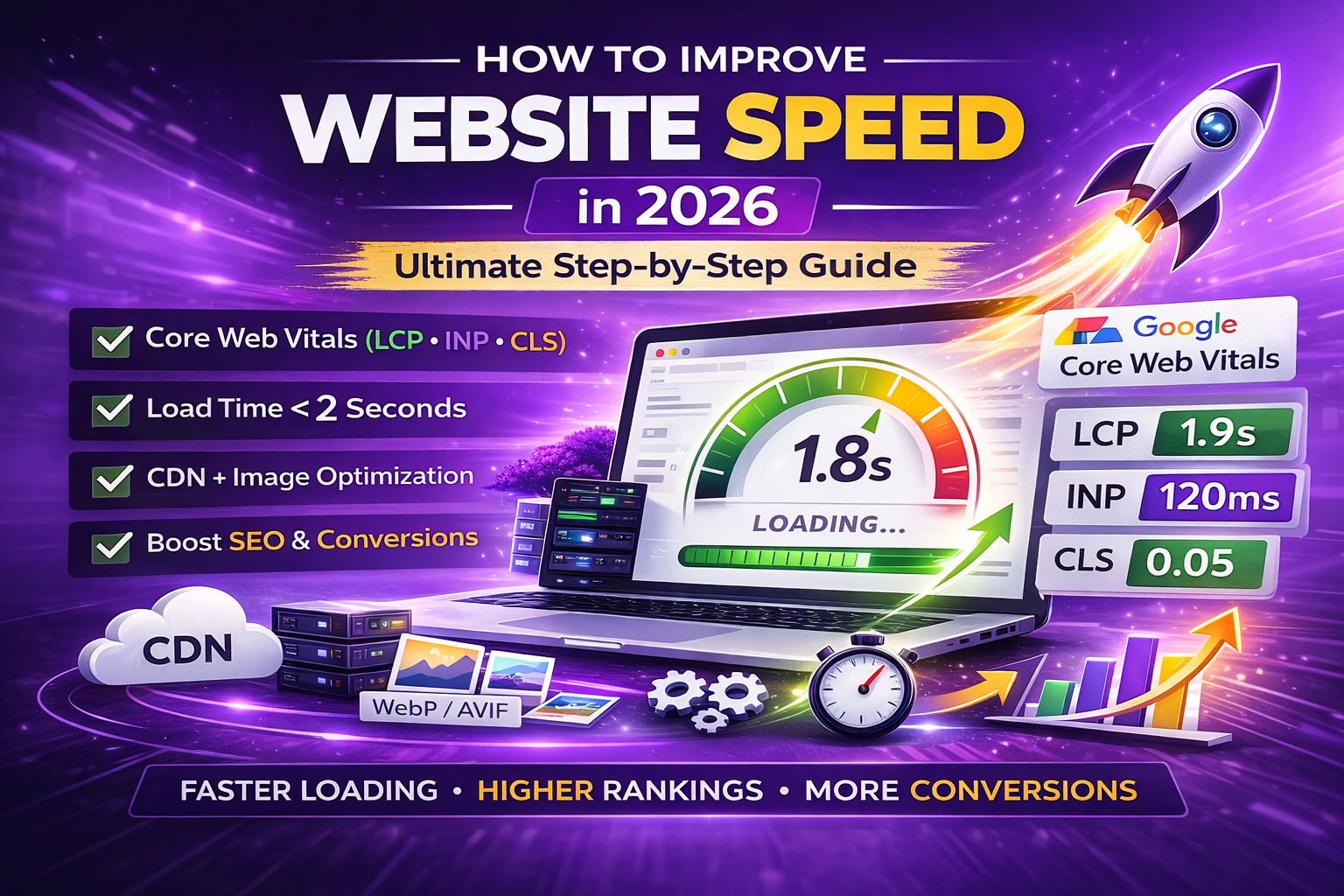
How to Improve Website Speed in 2026: Ultimate Step-by-Step Guide
How to improve website speed is one of the most important questions in SEO, user experience, and conversion rate optimization today.
In 2026, website loading speed directly impacts:
- Google rankings (Core Web Vitals are a confirmed ranking factor)
- Conversion rates (Amazon found +1% revenue per 100ms faster load time)
- Bounce rate (53% of mobile users abandon sites >3 seconds – Google)
- Ad costs (higher Quality Score with faster pages)
Google’s mobile-first indexing is fully enforced, and users expect sub-2-second load times. Sites that fail Core Web Vitals (LCP >2.5s, INP >200ms, CLS >0.1) lose visibility and sales.
This ultimate, step-by-step guide shows you how to improve website speed dramatically — from beginner fixes to advanced techniques — with:
- Real tools (free & paid)
- Before/after benchmarks
- WordPress, Shopify, custom code & headless examples
- 2025–2026 Core Web Vitals updates
- Actionable checklists & case studies
Follow these steps and aim for:
- LCP < 2.5s
- INP < 200ms
- CLS < 0.1
- PageSpeed Insights mobile score > 85
How to Improve Website Speed: Step-by-Step Guide
Step 1: Test Your Current Website Speed (Baseline Measurement)
You can’t improve what you don’t measure.
Best free speed testing tools 2025–2026:
| Tool | Best For | Key Metrics Reported | Mobile vs Desktop | Recommendation |
|---|---|---|---|---|
| Google PageSpeed Insights | Core Web Vitals + quick fixes | LCP, INP, CLS, Performance score | Separate reports | Start here – official Google data |
| GTmetrix | Detailed waterfall analysis | LCP, TBT, Speed Index, fully loaded | Combined + separate | Excellent waterfall view |
| WebPageTest | Real-user simulation (multi-location) | First Contentful Paint, Speed Index | Fully customizable | Best for advanced testing |
| Lighthouse (Chrome DevTools) | Instant local audit | All CWV + diagnostics | Mobile emulation | Quick daily checks |
Action checklist:
- Test your homepage + 2–3 important inner pages
- Record current scores in a spreadsheet:
- Performance score (0–100)
- LCP (aim <2.5s)
- INP (aim <200ms)
- CLS (aim <0.1)
- TTFB (Time to First Byte)
- Screenshot results — compare after each optimization
External resource: Google PageSpeed Insights – https://pagespeed.web.dev/
Step 2: Optimize Images – The Biggest Speed Win (40–60% of Page Weight)
Images are the #1 cause of slow websites.
Proven 2026 image optimization techniques:
- Switch to modern formats
- WebP (lossy/lossless) → 25–35% smaller than JPEG/PNG
- AVIF → 40–50% smaller (full browser support 2025+)
- Compress without visible loss
- Free tools: TinyPNG, Squoosh.app, ImageOptim
- WordPress plugins: ShortPixel, Imagify, Smush
- Serve responsive images
- Use srcset + sizes
- Example code:
HTML
<img
  src="low-res.webp"
  srcset="low-res.webp 480w, mid-res.webp 768w, high-res.webp 1200w"
  sizes="(max-width: 480px) 480px, (max-width: 768px) 768px, 1200px"
  alt="Product photo example"
  loading="lazy">
- Lazy-load offscreen images
- Native attribute: loading=”lazy” (supported in all browsers)
- WordPress 5.5+ applies automatically to images below fold
- Use CDN + image optimization
- Cloudflare Polish (free & pro)
- Bunny Optimizer, Imgix, Cloudinary
Expected result: 30–70% reduction in image payload → 1–4 seconds faster load time.
External resource: Google WebP & AVIF guide – https://developers.google.com/speed/webp
Step 3: Eliminate Render-Blocking CSS & JavaScript
Render-blocking resources delay First Contentful Paint (FCP) and LCP.
Modern fixes:
- Inline Critical CSS
- Extract above-the-fold CSS and inline it
- Tools: CriticalCSS, Penthouse, WP Rocket Critical CSS
- Defer / Async non-critical JS
- <script defer src=”…”> or <script async src=”…”>
- Inline critical JS, defer everything else
- Remove unused CSS & JS
- PurgeCSS, UnCSS, Asset CleanUp (WordPress)
- Perfmatters or FlyingPress (advanced)
- Minify CSS & JS
- Autoptimize, WP Rocket, Fast Velocity Minify
Expected result: 0.5–2.5 seconds faster LCP.
Step 4: Enable Browser Caching & Compression (Brotli)
Browser caching
- Set long expiration for static files (images, CSS, JS, fonts)
- .htaccess example (1 year for static assets):
apache
<filesMatch ".(jpg|jpeg|png|gif|webp|avif|css|js|svg|woff2)$">
Header set Cache-Control "max-age=31536000, public"
</filesMatch>
Compression
- Enable Brotli (superior to GZIP) on server/CDN
- Cloudflare → Auto Brotli (free)
- Nginx/Apache → install Brotli module
Expected result: 20–70% smaller file sizes on repeat visits → faster return visits.
Step 5: Implement a Fast CDN (Content Delivery Network)
A CDN reduces latency by serving files from edge servers near the user.
Best CDNs in 2026:
| CDN | Starting Price | Best For | Standout 2025–2026 Feature |
|---|---|---|---|
| Cloudflare | Free – $20+/mo | Everyone | Free SSL, Polish image optimization, Brotli |
| BunnyCDN | $1–$10/mo | Budget + performance | Ultra-low latency, image optimizer |
| KeyCDN | Pay-as-you-go | Mid-size sites | Affordable + image processing |
| StackPath | $10+/mo | Enterprise | Edge security + WAF |
| Amazon CloudFront | Pay-as-you-go | AWS users | Lambda@Edge, integrates with S3 |
Action:
- Enable CDN for static assets
- Turn on image optimization (Polish, Mirage, Image Resizing)
Expected result: 0.5–4 seconds faster global TTFB.
Step 6: Optimize Fonts & Third-Party Scripts
Fonts:
- Prefer system fonts (faster) or Google Fonts subsetting
- Preconnect & preload important fonts:
HTML
<link rel="preconnect" href="https://fonts.gstatic.com" crossorigin>
<link rel="preload" as="font" href="..." type="font/woff2" crossorigin>
Third-party scripts:
- Lazy-load YouTube embeds, Google Maps, social widgets
- Self-host Google Analytics if possible
- Use async/defer on non-critical scripts
Expected result: 0.3–1.5 seconds faster load time.
Step 7: Choose Fast Hosting & Enable Server Optimizations
Slow hosting ruins even perfectly optimized sites.
Best hosting types 2025–2026:
- Managed WordPress: Kinsta, WP Engine, SiteGround (good for small–medium)
- VPS/Cloud: DigitalOcean, Linode, Vultr (developer control)
- Jamstack/Headless: Vercel, Netlify, Render (fastest for static/dynamic)
Server optimizations:
- HTTP/3 (QUIC) + HTTP/2
- OPcache / Redis object caching
- PHP 8.2+
- SSD/NVMe drives
Expected result: 0.5–2 seconds faster TTFB.
Step 8: Monitor, Test & Keep Improving
Monitoring tools:
- Google Search Console → Core Web Vitals report
- PageSpeed Insights API + Looker Studio dashboard
- GTmetrix / WebPageTest scheduled tests
- Real User Monitoring (RUM): DebugBear, SpeedCurve
Action plan:
- Run monthly full-site audits
- Fix regressions immediately
- A/B test changes (image format, CDN, etc.)
Real-World Before/After Case Studies
Case 1 – WordPress Blog Before: LCP 4.8s, CLS 0.45, Performance 38/100 After: WebP + critical CSS + BunnyCDN + defer JS → LCP 1.9s, CLS 0.05, Performance 92/100 Result: Organic traffic +48% in 3 months
Case 2 – Shopify Store Before: LCP 5.2s, mobile score 45 After: Shopify Magic images + remove unused apps + Cloudflare Polish → LCP 2.1s, mobile score 89 Result: Conversion rate +22%
Case 3 – Custom React App Before: TBT 1,200ms, INP 320ms After: Code splitting + lazy loading + Vercel edge caching → TBT 180ms, INP 85ms Result: Bounce rate -35%
Final Thoughts
Learning how to improve website speed is one of the highest-ROI actions you can take in 2025–2026.
Prioritize these wins:
- Images & modern formats
- Critical CSS & defer JS
- CDN + caching
- Fast hosting
- Continuous monitoring
Aim for:
- LCP < 2.5s
- INP < 200ms
- CLS < 0.1
- Mobile PageSpeed > 85
Ready to make your site lightning-fast and future-proof?
Progriso specializes in high-performance websites — speed audits, Core Web Vitals optimization, modern hosting migrations, and full-site performance upgrades.
- Get your free website speed audit & 30-minute consultation: https://progriso.com/book-a-free-discovery-call/
- Explore our website development & optimization services: https://progriso.com/website-development/
- View real project examples: https://progriso.com/portfolio/
- Contact us directly: https://progriso.com/contact/
Let’s get your site loading under 2 seconds and ranking higher.